
Buying a laptop for video editing is one of the most important investments you will make in your workflow. The wrong machine creates constant frustration — dropped frames, sluggish previews, and exports that take twice as long as they should. The right one gets out of your way and lets you focus entirely on the edit.
This guide breaks down exactly what to look for so you stop second-guessing spec sheets and start making a confident decision.
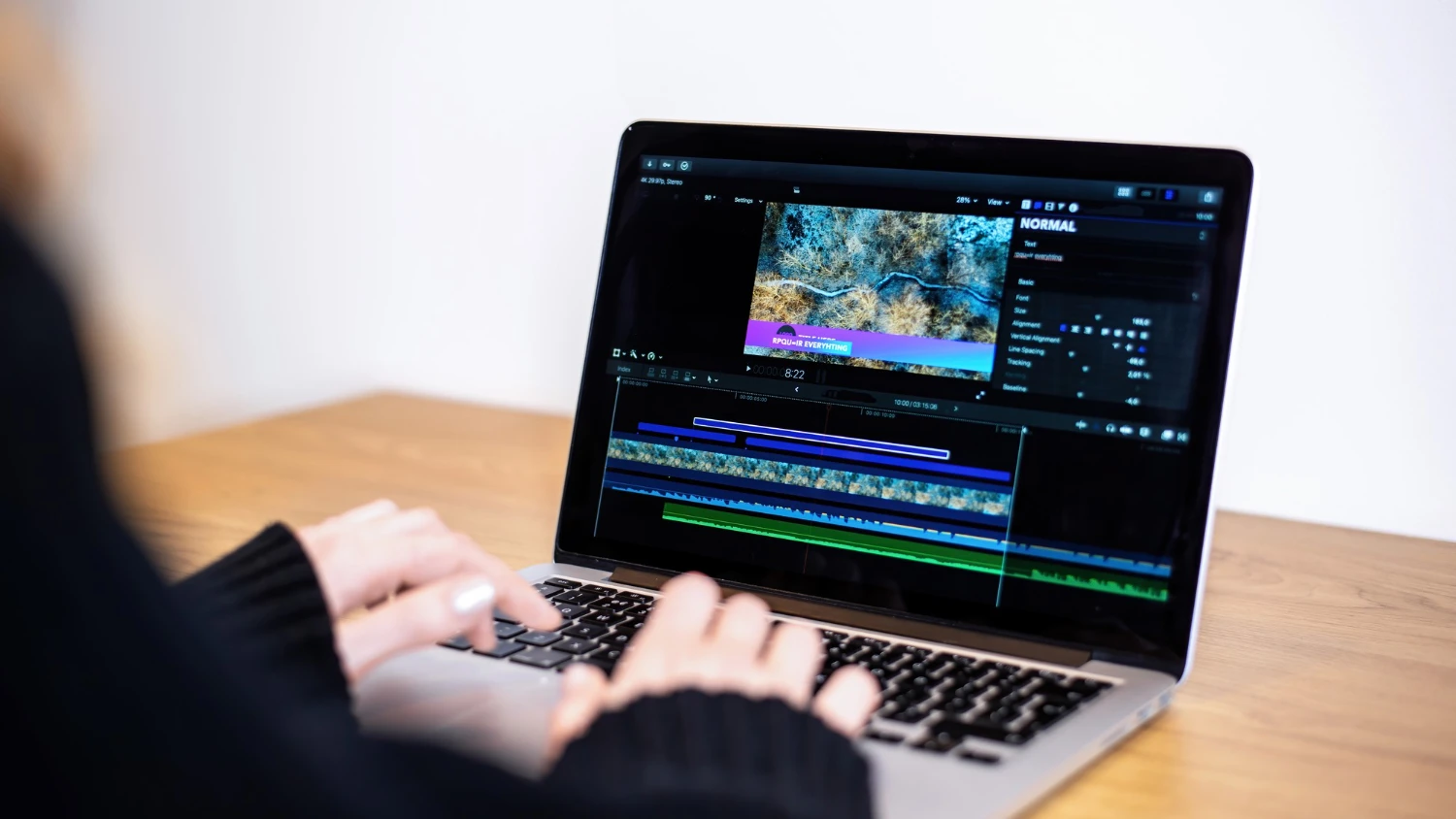
What Specs Actually Matter for Video Editing
Not every number on a spec sheet will impact your editing experience equally. Some components make a dramatic difference in day-to-day performance, while others are marketing noise.
The specs that truly affect video editing laptop performance are RAM, the processor, GPU, and storage type. Everything else — screen resolution, battery life, port selection — matters too, but these four determine whether your machine can actually handle your footage without fighting you.
Video editing laptop requirements are more demanding than general computing tasks because editing software loads multiple high-resolution video streams simultaneously, applies effects in real time, and writes large files during export. A machine built for spreadsheets will struggle immediately.
A laptop that performs well today should also hold up for at least three to four years. Buy slightly ahead of your current needs rather than right at the minimum viable spec.
You want headroom, not survival.
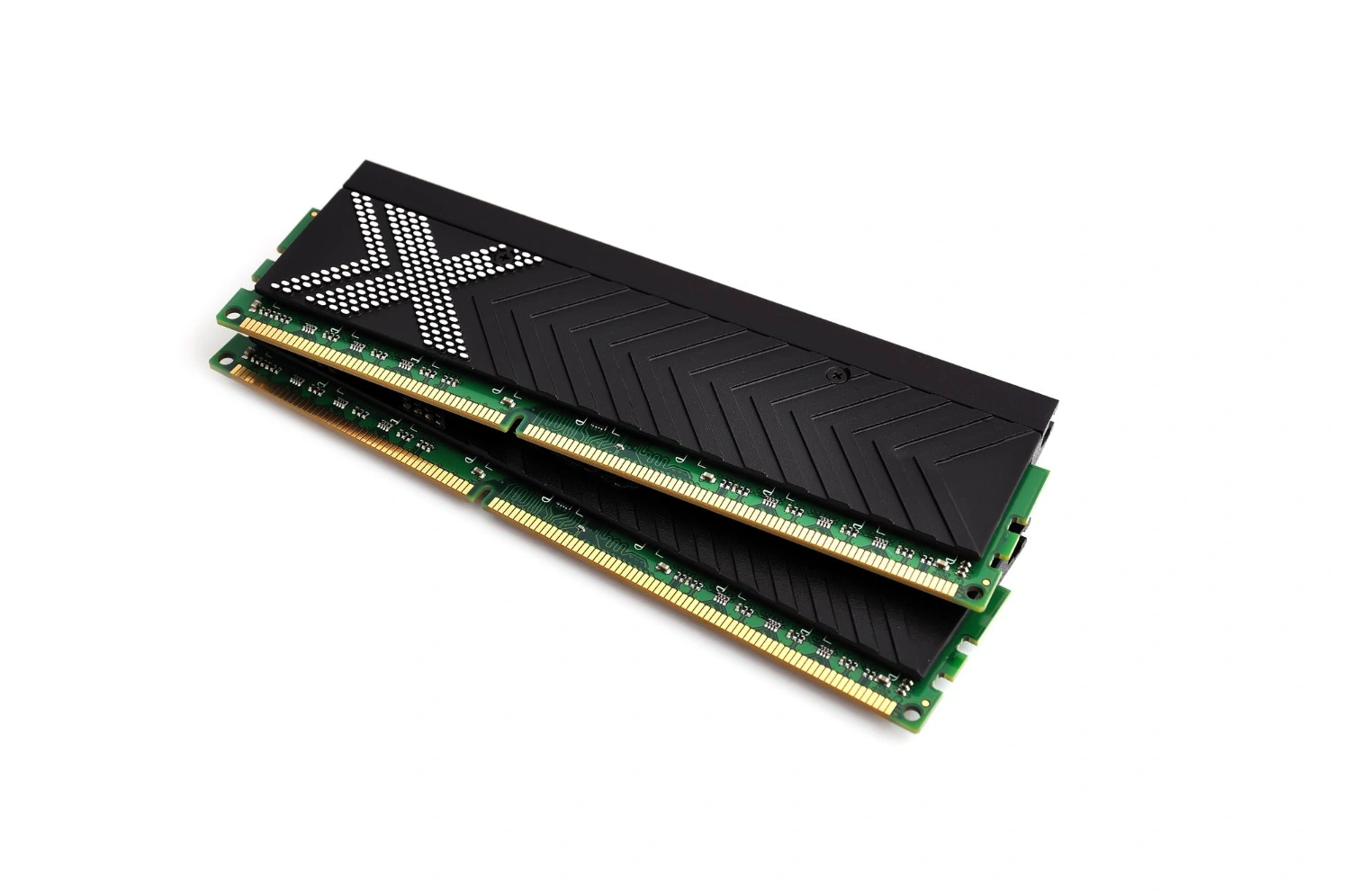
How Much RAM for Video Editing
RAM is the single most common bottleneck for video editors on laptops. The minimum for working comfortably with 1080p footage in Premiere Pro or DaVinci Resolve is 16GB — but 32GB is the real starting point for any serious work.
If you plan to edit 4K footage, work with heavy effects, or keep multiple applications open simultaneously, 32GB becomes essential rather than optional. How much RAM for video editing ultimately depends on your resolution and project complexity, but spending here pays off immediately in preview quality and timeline responsiveness.
Some laptops allow RAM upgrades after purchase — others do not. Confirm this before buying, because soldered RAM means you live with whatever you choose today.
GPU for Video Editing: Dedicated vs Integrated
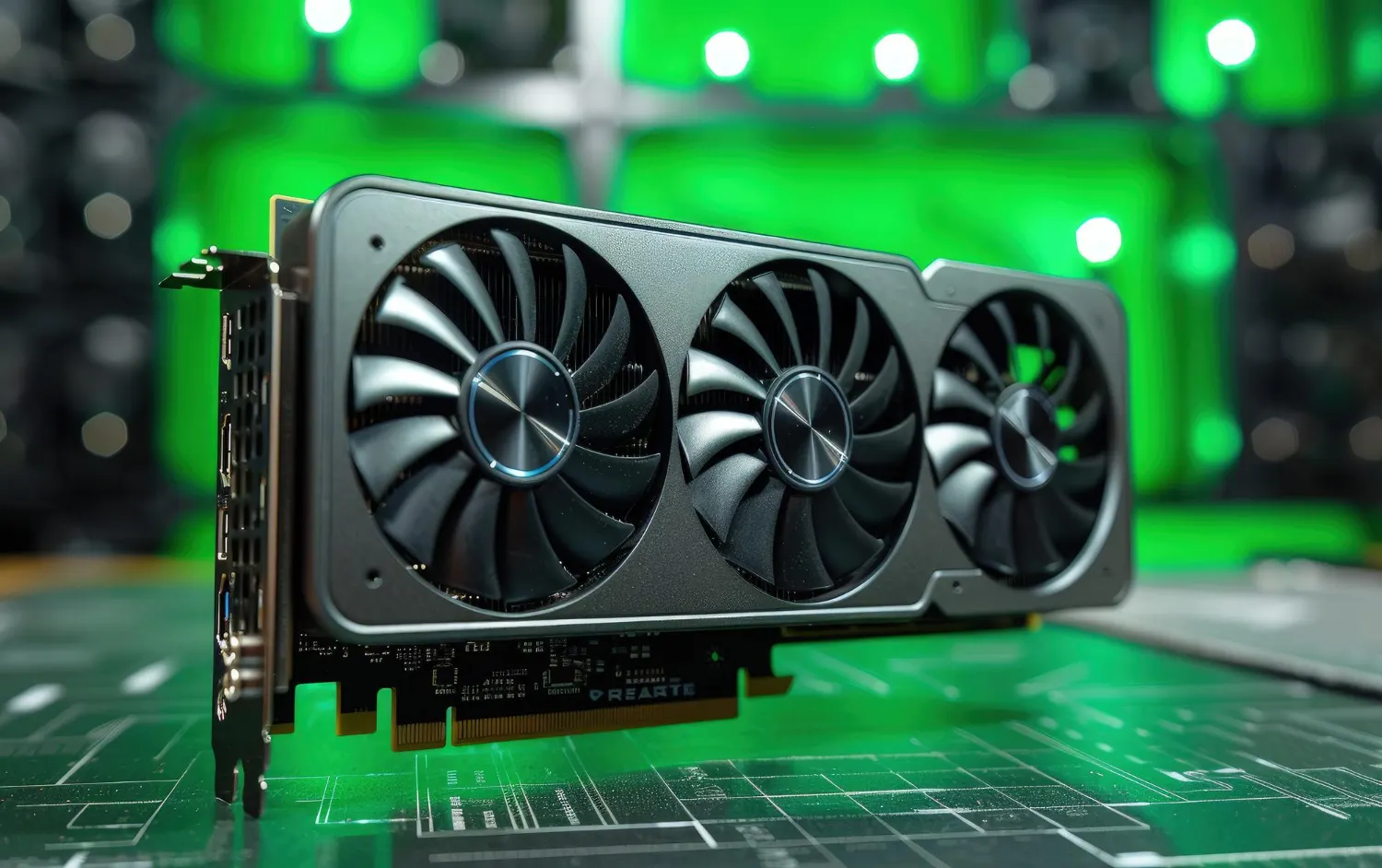
A dedicated GPU for video editing accelerates hardware decoding, GPU-based effects rendering, and export speeds in software that supports it. DaVinci Resolve in particular is heavily GPU-dependent — a strong graphics card is not optional for Resolve users, it is fundamental.
For Premiere Pro and Final Cut Pro, a decent dedicated GPU still meaningfully improves performance even though these apps are somewhat more balanced in their CPU and GPU demands. Do not buy a laptop with only integrated graphics if you are editing anything beyond casual home video.
SSD vs HDD for Video Editing
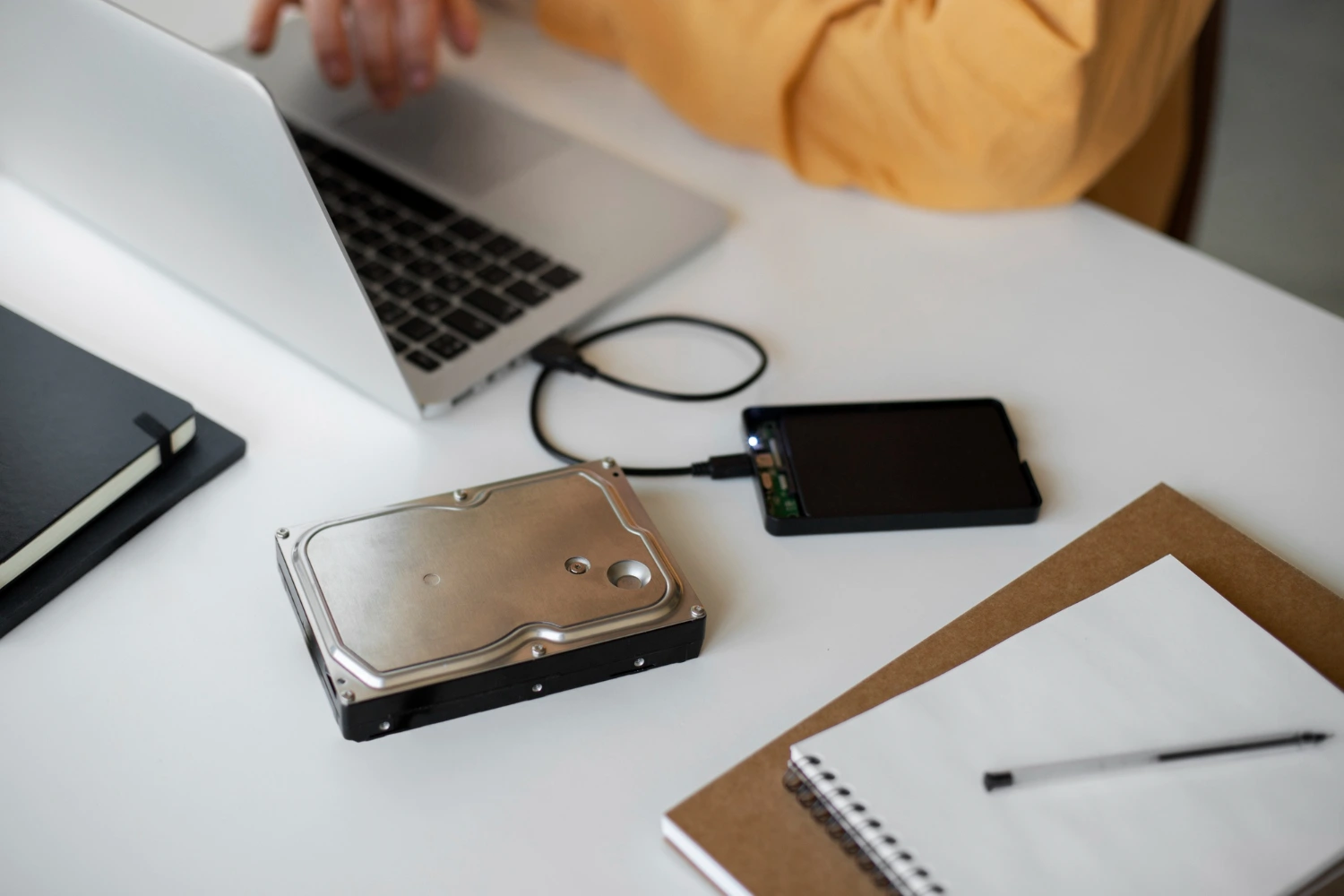
SSD vs HDD for video editing is not a close debate — SSDs win decisively. The read and write speeds of a solid-state drive are essential for streaming high-bitrate video files smoothly from your storage during playback.
An HDD simply cannot sustain the data throughput that 4K or high-frame-rate footage demands. Even for an archive drive, slower HDD speeds create friction when pulling old projects back into an active timeline.
What Processor Is Best for Video Editing
The processor handles timeline rendering, software encoding, and audio processing. What processor is best for video editing comes down to sustained performance under load — not just benchmark peaks.
Apple M-Series Chips
Apple’s M-series chips deliver exceptional sustained performance with industry-leading power efficiency. The M3 Pro and M4 Pro handle demanding timelines with ease while keeping the machine cool and the battery lasting longer than any Windows competitor at similar performance levels.
Intel Core Ultra and AMD Ryzen
High-end Intel Core Ultra and AMD Ryzen 9 processors are strong performers on Windows laptops. Look for chips that maintain high clock speeds under sustained load rather than throttling after a few minutes of heavy rendering.
Minimum Core Count
For video editing, aim for at least eight cores. More cores mean faster software encoding, smoother multicam playback, and better handling of complex effects chains across long timelines.
Clock Speed vs Core Count Trade-Off
Single-core clock speed matters more for real-time playback and timeline responsiveness, while core count matters more for export and encoding tasks. The best video editing processors balance both rather than excelling at only one.
Mac vs PC for Video Editing
Mac vs PC for video editing is one of the most debated topics in the editing community — and both sides have legitimate points.
Apple MacBook Pro laptops running M-series chips currently offer the best performance-per-watt ratio in the industry, which translates to faster real-world editing performance, better thermal management, and longer battery life. Final Cut Pro is Mac-exclusive and remains one of the fastest editing applications available. DaVinci Resolve and Premiere Pro run extremely well on Apple Silicon.
Windows laptops offer more hardware variety, broader software compatibility, and in many cases more RAM and storage at a lower price point. If you are working in a Windows-native studio environment or need specific hardware configurations, a PC laptop gives you more flexibility.
Best Laptop Specs for Video Editing: Quick Summary
Best laptop specs for video editing combine a powerful multi-core processor, at minimum 32GB of RAM, a dedicated GPU with at least 8GB of VRAM, and a fast NVMe SSD with 1TB or more of capacity. Display quality matters too — a panel that covers at least 100% of the sRGB color space is the baseline for accurate color work.
Match your spec choices to your actual footage format and workflow. A 1080p YouTube editor has different needs than a colorist cutting 6K RAW files. Buy what your work demands, not what a spec sheet makes you feel good about.