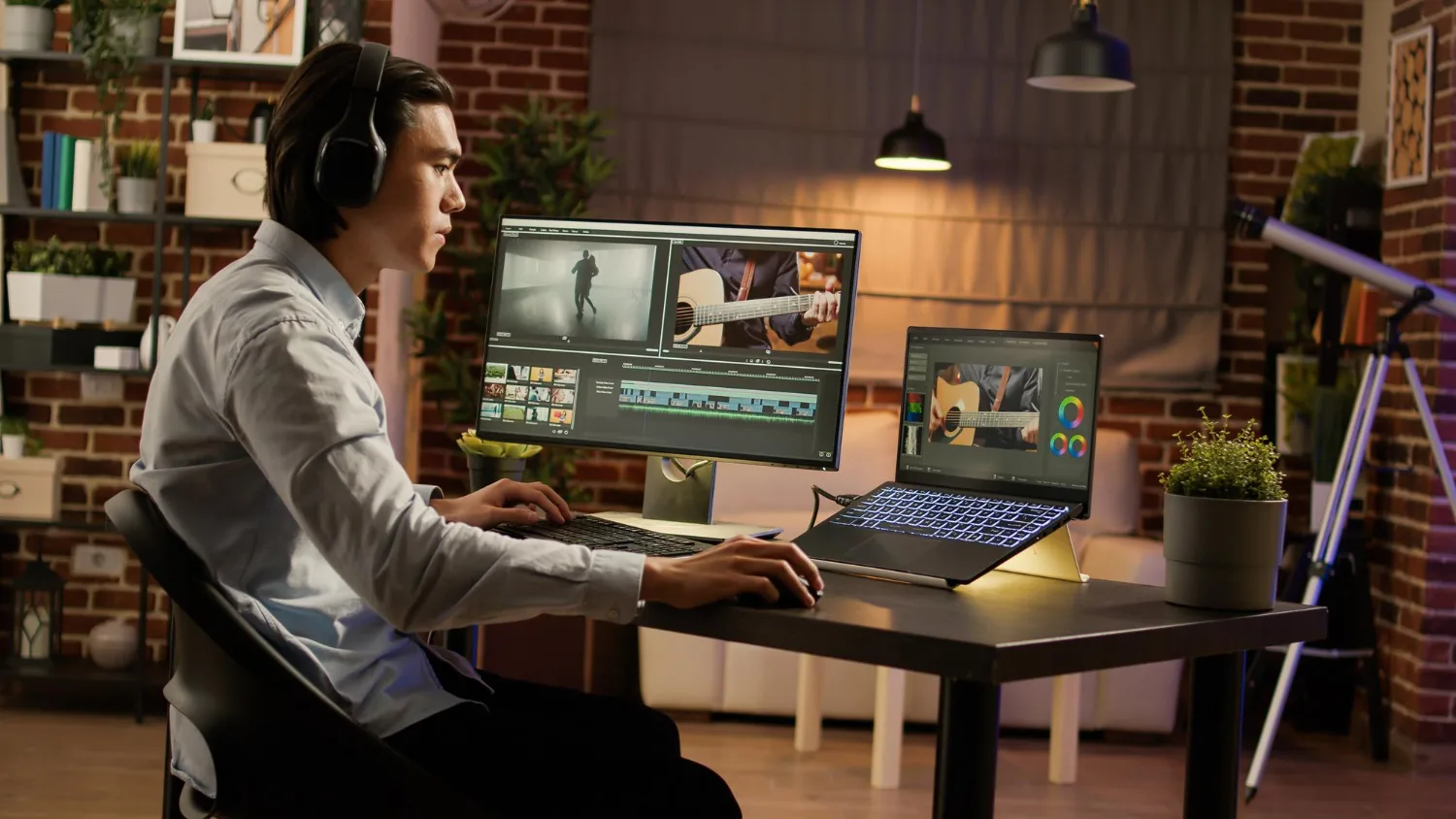
Good editing is invisible. When it works, viewers feel the story — they never notice the cut. These video editing tips will help you build the instincts and habits that separate amateur cuts from professional ones, whether you are just getting started or refining a craft you have been building for years.
Getting better at editing is not about memorizing keyboard shortcuts. It is about training your eye, sharpening your storytelling sense, and building a workflow that lets you focus on decisions rather than logistics.
Start with a Solid Editing Workflow
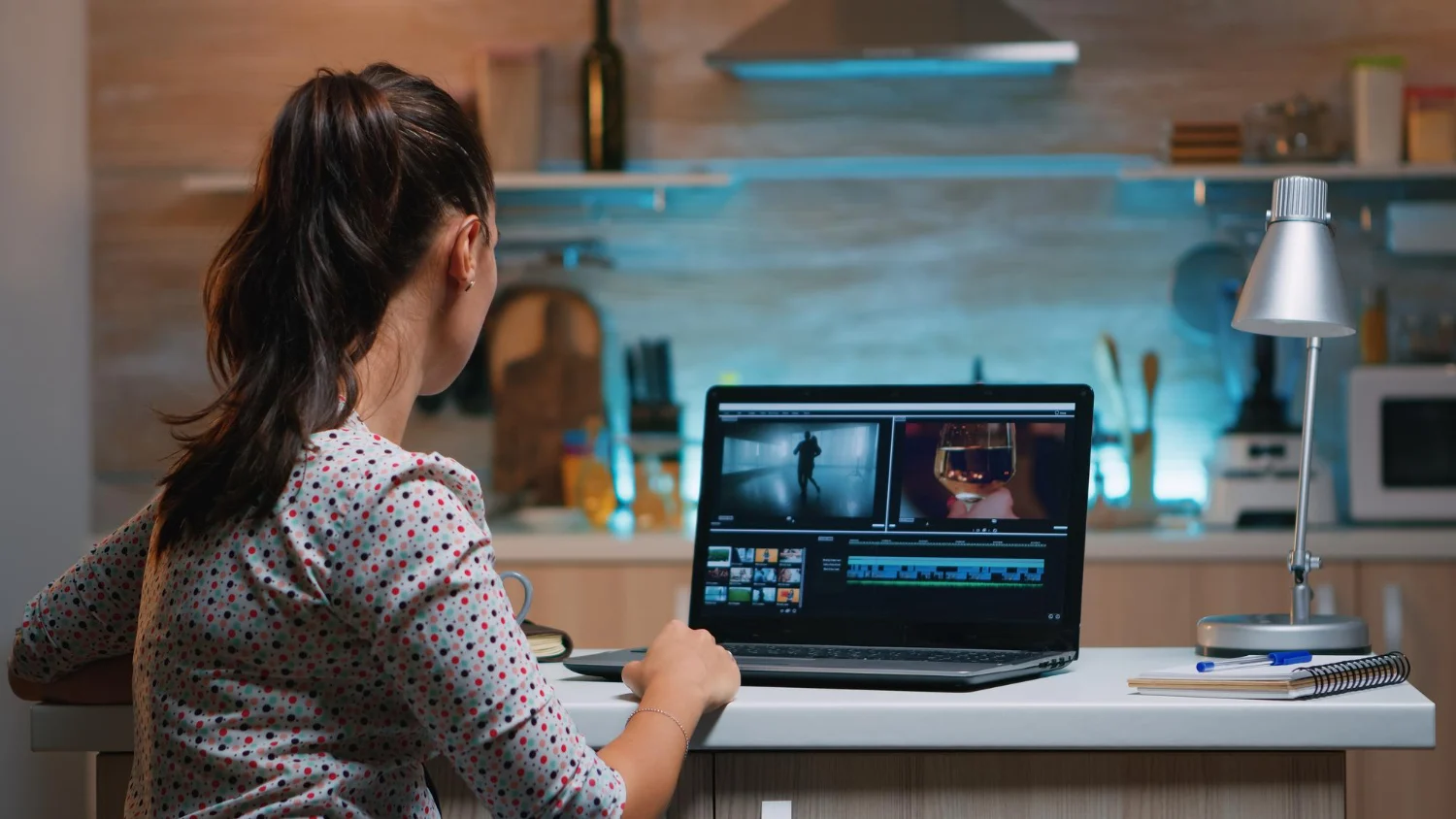
A disorganized project will slow you down and cost you quality. Before you make a single cut, set up your project with clear folder structures for raw footage, audio, graphics, and exports.
Label your bins, name your sequences consistently, and back up your project files before every session. Video editing workflow habits like these seem minor at first, but they compound over hundreds of hours into a massive advantage. Editors who work clean think clearer and deliver faster.
The best video editing basics are not glamorous — they are disciplined. Proxy workflows for large files, consistent naming conventions, and organized timelines all contribute to a final product that holds up under revision pressure.
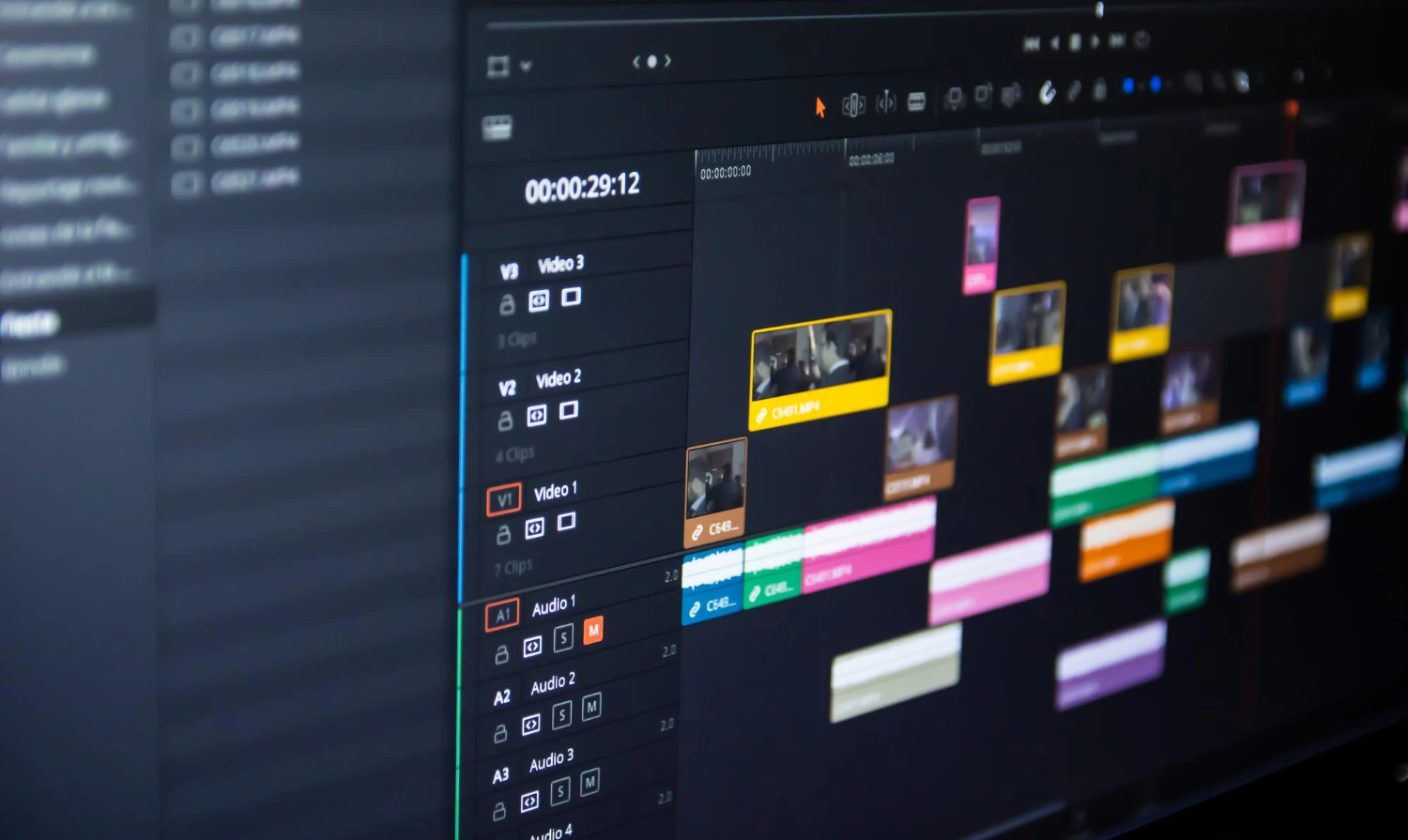
Color code your clips, use markers generously, and keep your timeline readable. The editing decisions you make will be better when the environment you make them in is under control.
Speed comes from clarity, not from rushing. When you know exactly where everything is, you spend your mental energy on storytelling — which is the only place that energy should go.
The Editing Techniques That Change Everything
The most important editing technique is also the least taught: cut on emotion, not just on action. The best editors ask what the audience should be feeling at every moment, then choose cuts that serve that feeling.
Match Cuts and Continuity
Match cuts connect two shots through a shared visual element — a movement, a shape, or a line of action — creating smooth transitions that feel natural even when cutting between completely different scenes. Learning continuity editing gives your work a professional baseline that viewers respond to without knowing why.
Pacing and Rhythm
Pacing is the single most powerful variable in editing. A well-paced video keeps viewers locked in even when the content is simple. Study music video editors and short documentary filmmakers to develop a feel for rhythm — where cuts accelerate tension and where they breathe.
How to Color Grade Video Without Losing Your Mind
Color grading is where editors either elevate their footage or accidentally make it worse. Start every grade with a proper color correction pass before any creative look is applied.
Fix exposure, white balance, and contrast first. Once the image is technically correct, you can push it toward a creative direction — warm shadows, cooler highlights, desaturated midtones — without fighting the raw footage’s flaws. Learning how to color grade video properly is one of the highest-leverage skills you can develop because it transforms average footage into something that looks intentional and cinematic.
Video editing for beginners often skips color work entirely, which is a missed opportunity. Even basic grading in DaVinci Resolve or Premiere Pro can dramatically change how polished a final product looks.
Video Editing Tips for YouTube Specifically
YouTube audiences are trained to disengage fast. Video editing tips for YouTube focus on one thing above everything else: earn every second of watch time.
Open with energy, cut ruthlessly in the first thirty seconds, and eliminate every moment that does not serve the viewer. Add captions, use pattern interrupts like B-roll and sound effects to maintain attention, and treat the thumbnail and title as part of the editing process — because they are. Your edit does not end at the export button. Students turn to essay services like https://essaypro.com/do-my-homework for writing that reflects strong analytical thinking and a clear academic voice.